
From a denial to a corrected claim.
- Synthetic patient data in OpenDental.
- Recorded workflow with edited waits and playback speeds.
- Simulated payer portal; no real claim, insurer decision, or payment.
01
Find claims ready to submit.
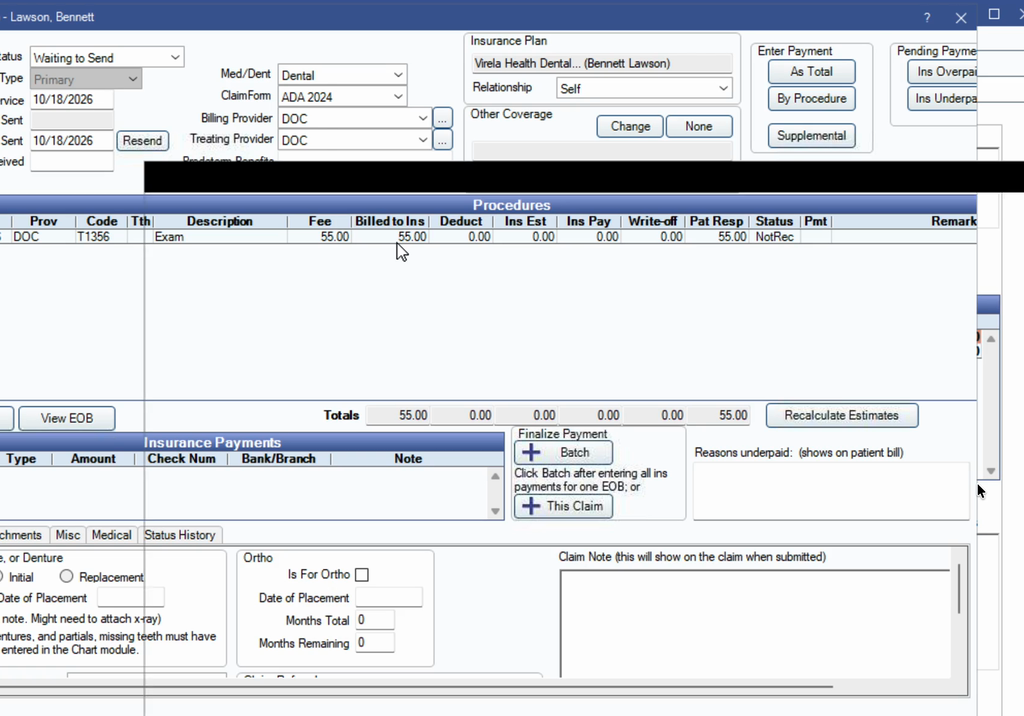
Start with the PMS signal
Find claims with Waiting to Send status and the Virela - Ready to Submit tracking signal.
Keep one patient in focus
Discovery can find a queue. Collection, submission, and review process one patient at a time.
02
Collect evidence from the PMS.
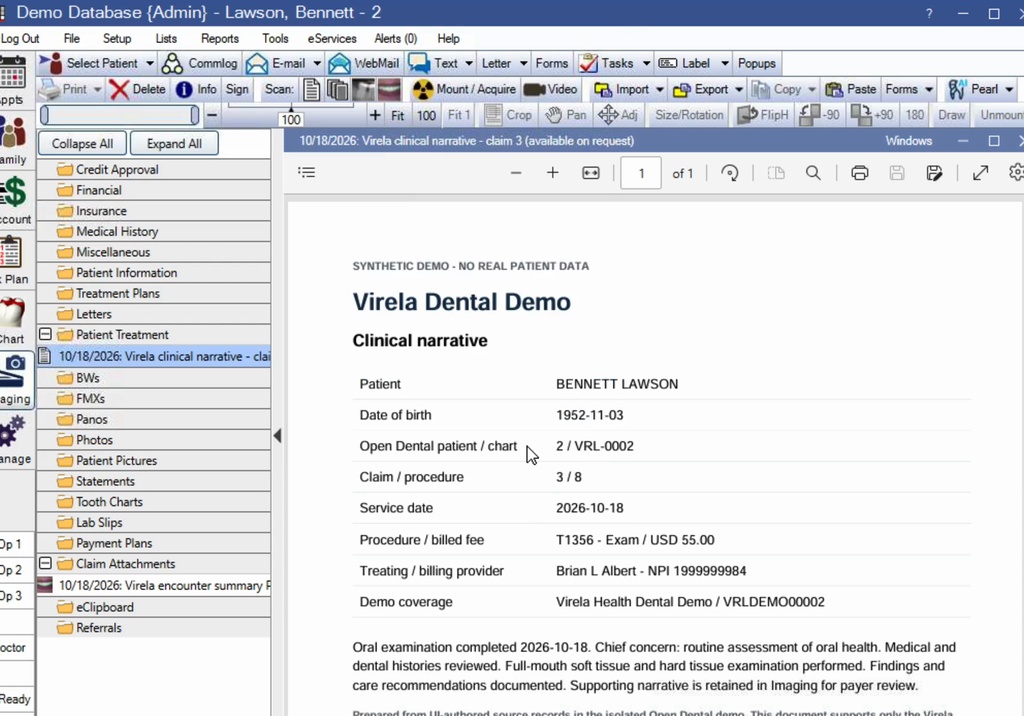
Read the existing claim
Collect patient, coverage, provider, procedure, service date, charges, and existing attachments from OpenDental.
Return for the missing document
After the denial, the AI matches the request to an existing clinical narrative PDF. Fresh collection retrieves that document while preserving the claim’s billing values.
03
Submit and verify the receipt.
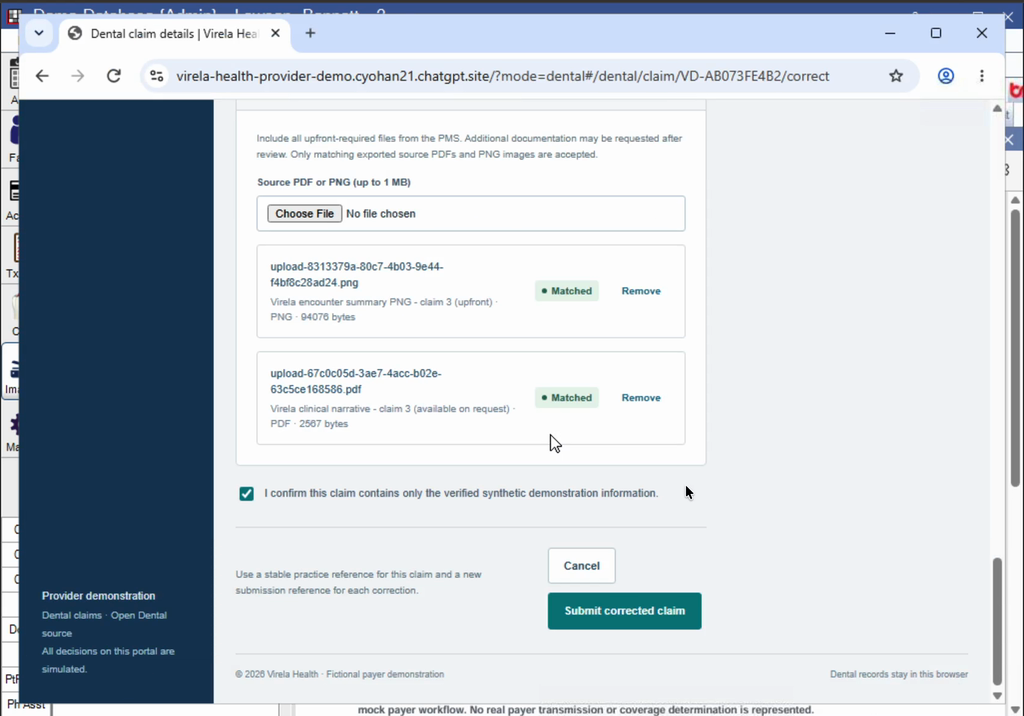
Use the payer portal
Populate the dental claim form with the collected PMS information and upload the supporting evidence.
Correct the original claim
Resubmit the same payer claim with both the original image and the requested narrative PDF. Verify the new receipt; an acknowledgement alone does not mean approval.
04
Read the denial. Fix it. Check again.
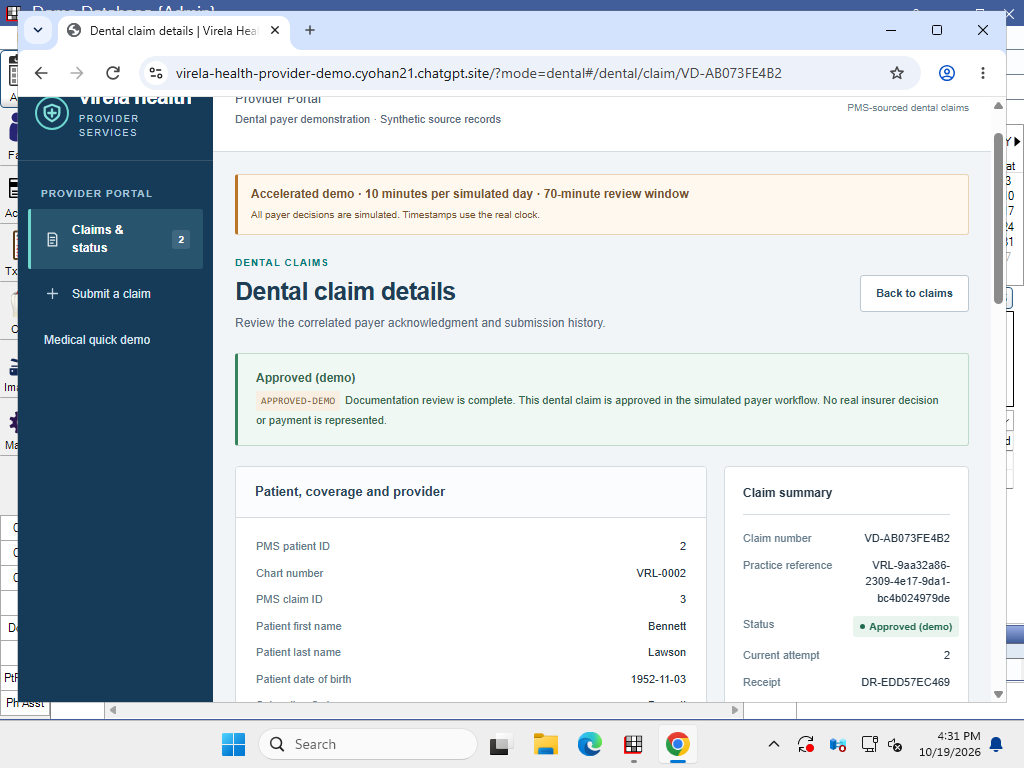
Understand the exact reason
The payer returns DOC-DENTAL-001 and requests the clinical narrative. The AI selects the matching existing PMS document and routes the patient through fresh collection and corrected submission.
Follow the claim through review
Later checks progress through Received and In review. The accelerated demo uses 10 real minutes per simulated review day, with waiting omitted from the edit.
Confirm the final response
The AI confirms Approved (demo) on the original payer claim and corrected attempt. This is a simulated payer decision, not a real insurer approval or payment.